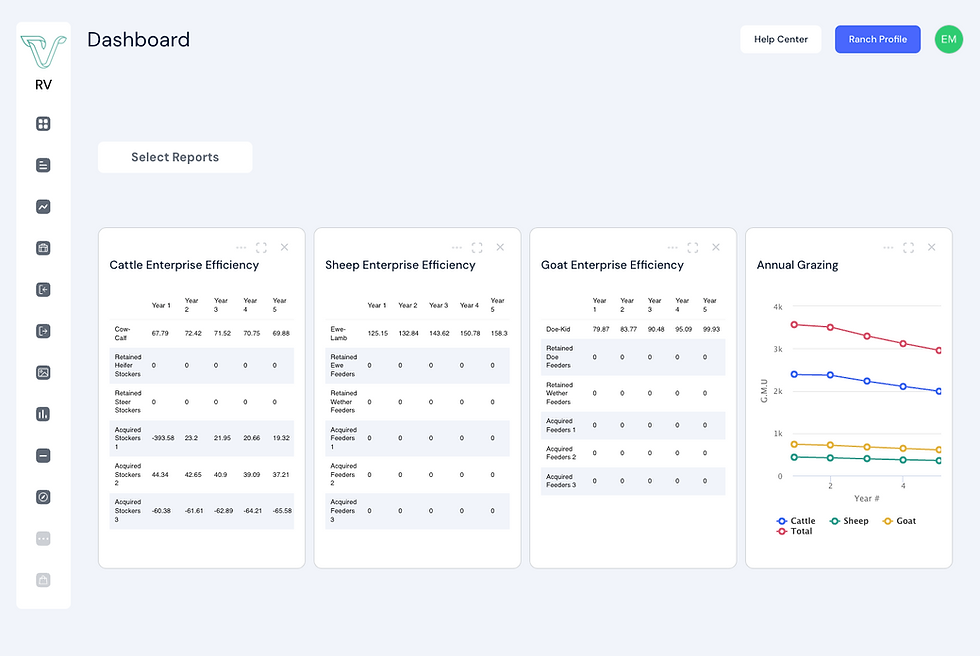
This has been one of our most requested features, and after rolling it out to select subscribers, we’re excited to announce it's available to everyone on Ranch Vision.
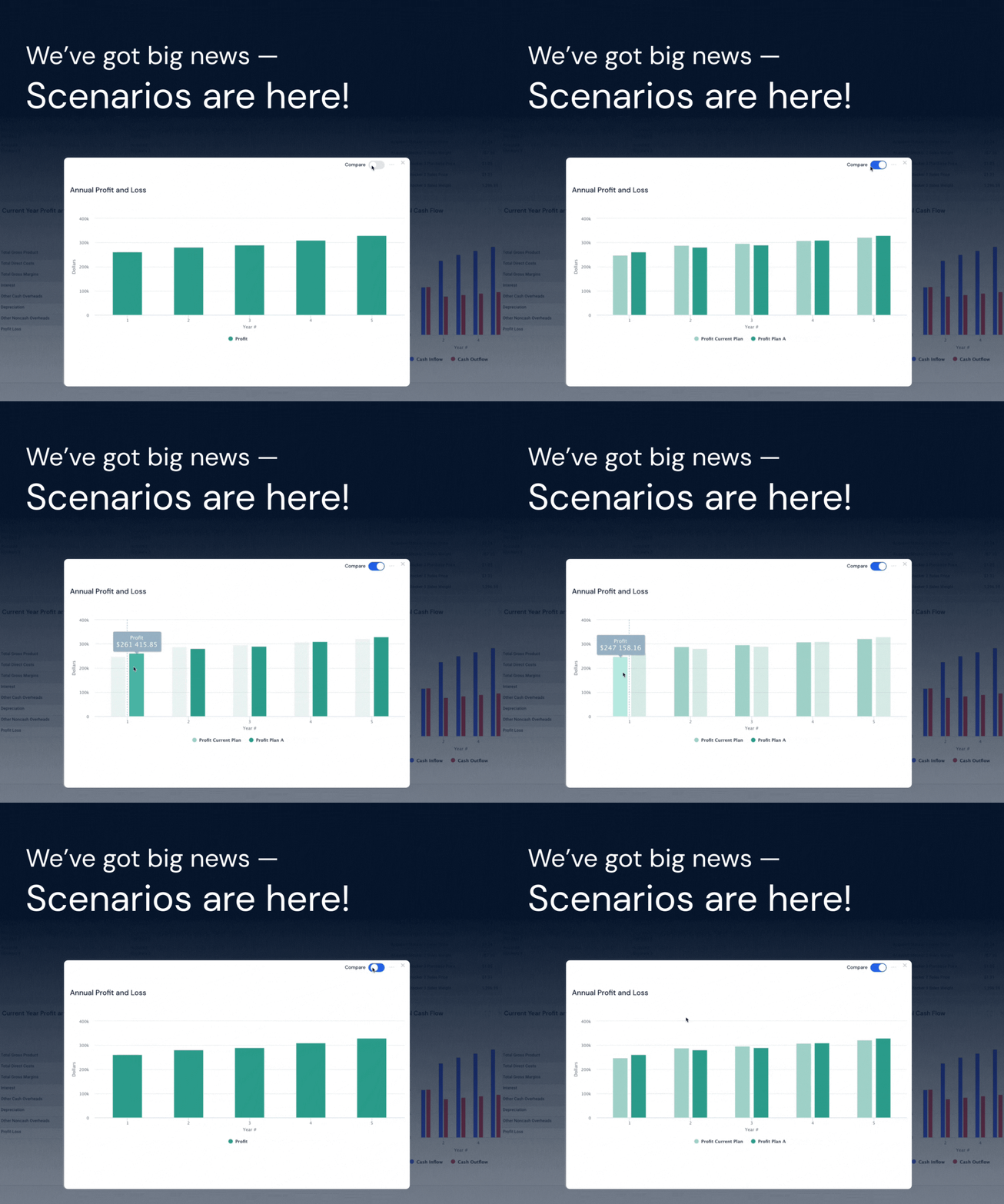
With Scenarios, you can now:
-
✅ Duplicate your current management plan
-
✅ Tweak key decisions — herd size, inputs, grazing, more
-
✅ Instantly see how changes impact forecasts and reports
-
✅ Compare plans side by side with just one click
👉 Think of it as your “Plan A vs. Plan B” tool — a powerful, easy way to test ideas, explore trade-offs, and make confident decisions.
Try the Scenario Feature!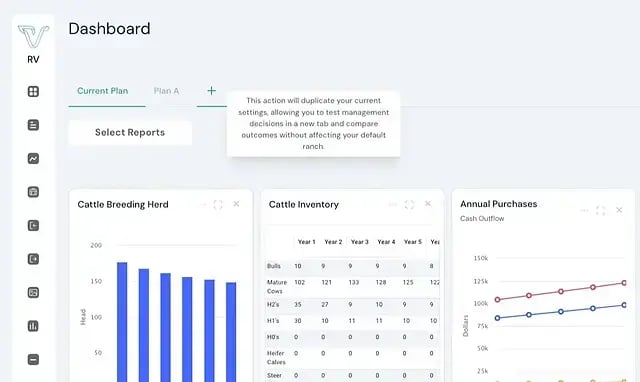
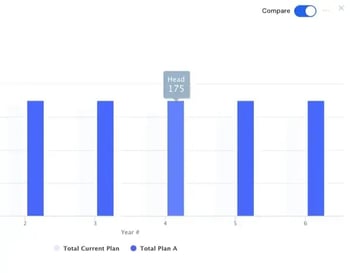
Want to dive deeper? Use the “Compare” tool in any report to see how your scenarios stack up.
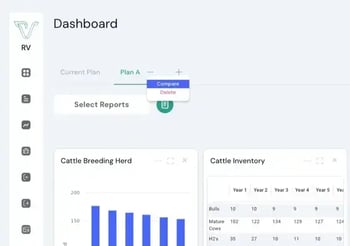
You’ll also find a detailed list of changes under the Scenario tab (click the three dots > “Compare”) so you know exactly what’s different — no guesswork. 📈 It’s never been easier to fine tune your management strategy and plan to profit.
Ready to try it out?
Current subscribers can log in to Ranch Vision and start creating their first scenario today! If you've been waiting to sign up, now's the time.
Upgrade Here